Creating Storyboards to Plan Your
Video
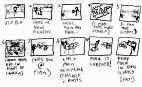
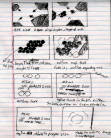
Storyboards are a planning tool to help you outline and organize your
video scene by scene. Viewed in sequence, the storyboards become a
road map for your film.
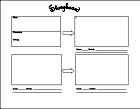
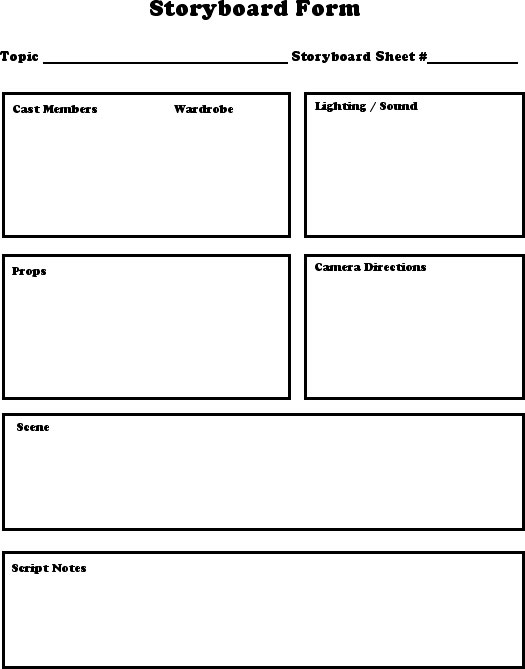
Make copies of the storyboard form to use in creating storyboards
for your
video project. The following will help you fill in the boxes on the form.
• Cast Members and Wardrobe
List the cast members who will be needed in this scene and the character
each member will be portraying. Indicate any special wardrobe requirements.
• Props
List all the props that will be needed for the scene. Also indicate where
the props are to be located on the set.
• Lighting
Note what kind of lighting the scene requires. Do you want broad daylight
or the mysterious gloom of midnight? Also consider what lighting equipment
will be needed.
• Scene
Sketch the scene, showing what backgrounds and scenery will be included.
Also show where the cast members will be placed, and indicate where they
will move during the scene.
• Camera Directions
Describe the camera movements to be used in the scene, such as close-ups,
long shots, and panning. Match these movements to the action of the scene.
Be sure that all the members of the crew understand the terms used to
describe camera movements so that they can understand your storyboards.
• Script Notes
Jot down ideas for your script. Use these notes to develop your final
script.
|